Please create your own account on Fusion 360
STEP 1:
Click on the Fusion 360 icon on your desktop
STEP 2:
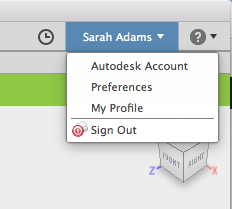
Find Al Asma located in the top right-hand side. Click the text – Al Asma and you should see this drop-down
Click – Sign Out
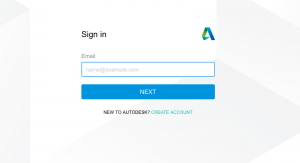
You should see this:
STEP 3:
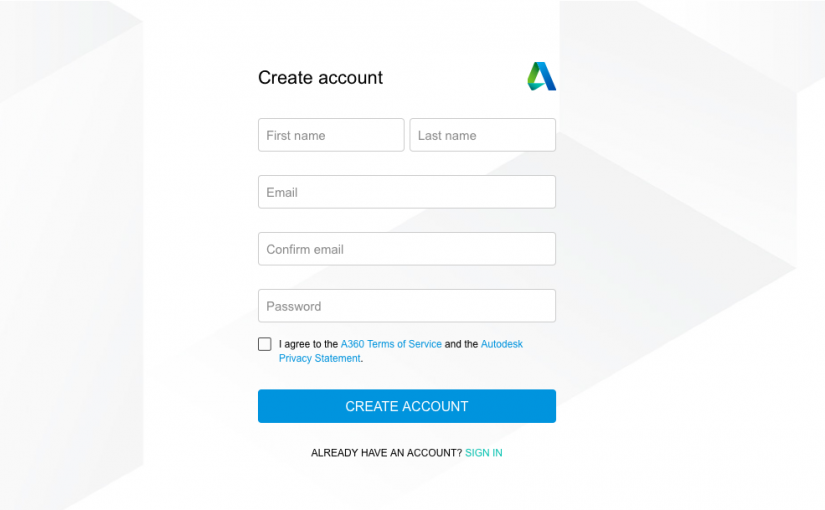
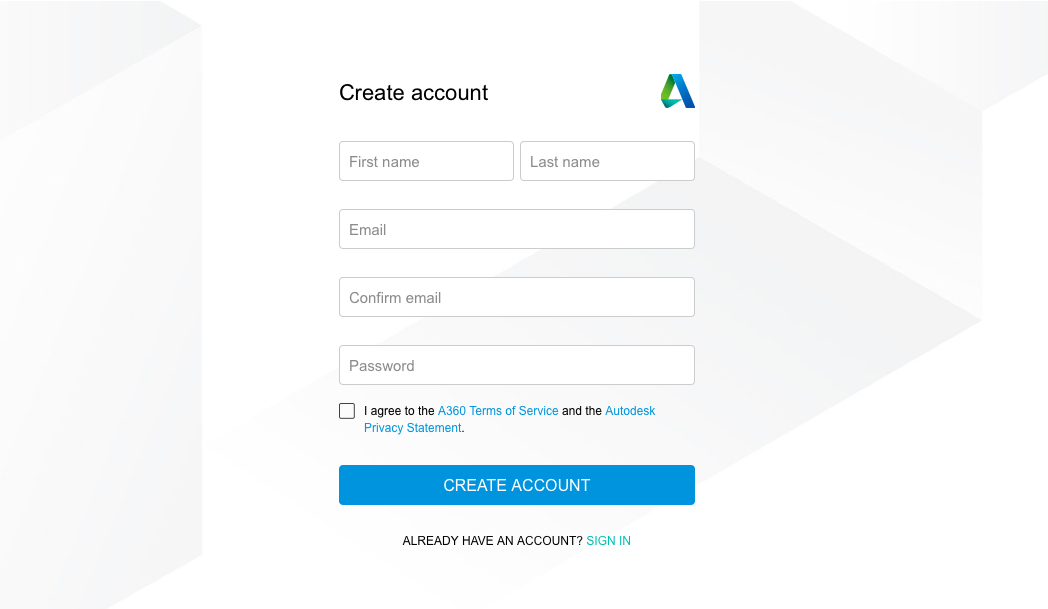
Click – Create Account
Fill in the form with your information
Don’t forget to hit Create Account
Now you should be all set to start creating designs in Fusion 360. Please come to Miss Sarah and show her your account on Fusion 360 so we can turn it into a student account.
 STEP 2:
Find Al Asma located in the top right-hand side. Click the text – Al Asma and you should see this drop-down
STEP 2:
Find Al Asma located in the top right-hand side. Click the text – Al Asma and you should see this drop-down
 Click – Sign Out
You should see this:
Click – Sign Out
You should see this:
 STEP 3:
Click – Create Account
Fill in the form with your information
STEP 3:
Click – Create Account
Fill in the form with your information
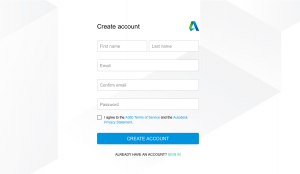 Don’t forget to hit Create Account
Now you should be all set to start creating designs in Fusion 360. Please come to Miss Sarah and show her your account on Fusion 360 so we can turn it into a student account.
Don’t forget to hit Create Account
Now you should be all set to start creating designs in Fusion 360. Please come to Miss Sarah and show her your account on Fusion 360 so we can turn it into a student account.